
Instant App Links let you deep link into a destination URL on the fly — no need to log in or use the Composer first. It's the fastest way to get deep linking functionality into content like a blog post without creating a link in your account ahead of time.
To get there: hover over My Account, Tools, then find Instant App Links. You can also get to it under Settings.
How it works
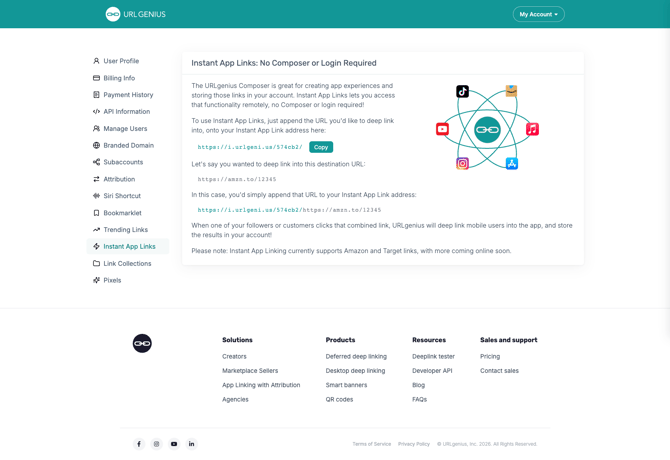
Every account has its own unique Instant App Link address (shown on this page, with a Copy button to grab it quickly).
To deep link into any destination URL, simply append that URL onto the end of your Instant App Link address.
Example:
If your Instant App Link address is:
https://i.urlgeni.us/574cb2/And you want to deep link into this destination:
https://amzn.to/12345You'd combine them like this:
https://i.urlgeni.us/574cb2/https://amzn.to/12345When someone clicks that combined link, URLgenius deep links mobile users straight into the app, and the results are stored in your account automatically — just like a link created through the Composer.
Note: Instant App Linking currently supports Amazon and Target links, with more retailers coming soon.